Introducing a new WordPress site is both exciting and daunting. Agree? Selecting correct plugins is one of the crucial steps to develop a website that functions well, looks great and stay secure. The new website should have a solid base for speed, security, search engine visibility, user interaction and business growth.
The plugins a website integrates in the fledgling phase usually become the key instruments that foster long-term ‘health’ and success. In this article, we will share the essential WordPress plugins for new sites, and explain what each category is worth.
Why Plugins Matter for New Websites
Plugins are crucial for new WordPress installs, as they close the space between average themes and a feature rich feature of what I consider my “most professional” website. They are meant to allow a user the ability to implement complex features without technical knowledge.
New websites are capable of using plugins to boost search engine rankings, build stronger defences from hackers and competitors, give support for content creation, speed up performance and make marketing integrations possible. However, a website can have a hard time distinguishing itself, drawing visitors or ferreting out prevalent pitfalls without the appropriate means.
Early adoption of the right plugins means that there’s no need for a major redesign further on, and the site has been designed to naturally grow.
Plugins for Search Engine Optimization
SEO is very important to help new websites get found by searchers. A site can contain excellent content, but without optimization a site may never be seen by potential visitors. SEO plugins assist digital business owners in managing metadata, enhancing content quality, site mapping and guaranteeing search engines index pages appropriately. These resources will walk new users through the content optimization process with keywords and real-time recommendations. SEO plugins also create XML sitemaps, which allows for search engine’s effective crawling of the site.
Our recommendation is Yoast SEO and you can download it free here

Website Security Plugins to secure your website
New sites are susceptible to the most basic of threats that includes brute force attacks, malware injections and unauthorized access. Security plugins can also deter attacks by filtering out potential threats, scanning the website for security vulnerabilities and implementing strong login protection. When a reader knows they are reading on a secure site, it’s more likely that they will trust the trip planning information or working advice you offer.
Security plugins also help reduce spam and alert site owners of any emerging issues that need addressing. The website and its visitors both are safe with the requisite security checks in place.
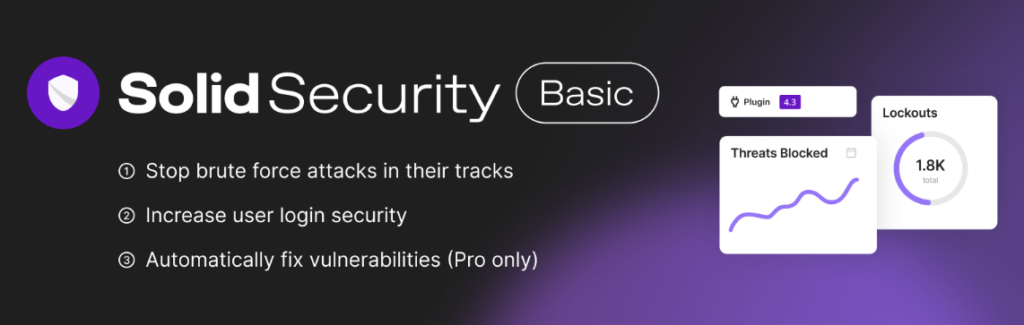
Our recommendation is Solid Security ( formerly iThemes Security ) and you can download free here
Performance and Speed Plugins
The speed of a website is one the factors that affects user experience and rankings in search engines. Slow loading pages dissuade visitors, lead to higher bounce rates, and ultimately lower conversions. Performance plugins, for instance, make new websites load also faster – by caching content and very optimizing images and compressing files to the smallest size possible, which in turn minimizes unnecessary resources.
if user satisfaction is higher, and your visitors can navigate through more pages. This is an important element in keeping attention and increasing involvement. Performance plugins also assist in websites being managed better under traffic loads, and that can make a big difference as the site grows. Wealthy Fast, responsive sites make an impression that leads to long term success.
Our recommendation is WP Super Cache

Contact and Form Plugins
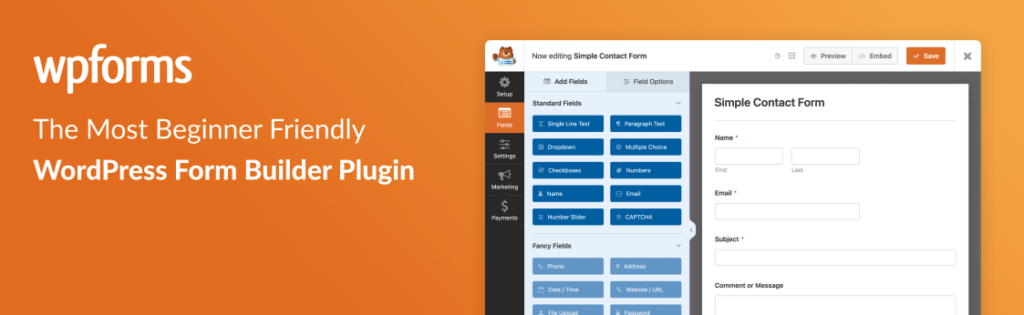
Every new site needs a way for visitors to contact the owner. Contact form plugins let site owners add custom forms to their websites that are used to gather messages, inquiries, feedback or subscriber information. These styles can be used on contact pages, blog posts and even landing pages.
Form plugins typically offer customization options so users can create forms that reflect the website’s theme and brand. The good ones even can be integrated with email marking tools to automatically include form submissions into your mailing lists. All gathers lead early, and establishes feedback mechanisms so website owners can better understand their audience and create connection that matters.
Our recommendation is WP Forms and download it here
Custom Design – Page Builder Plugins
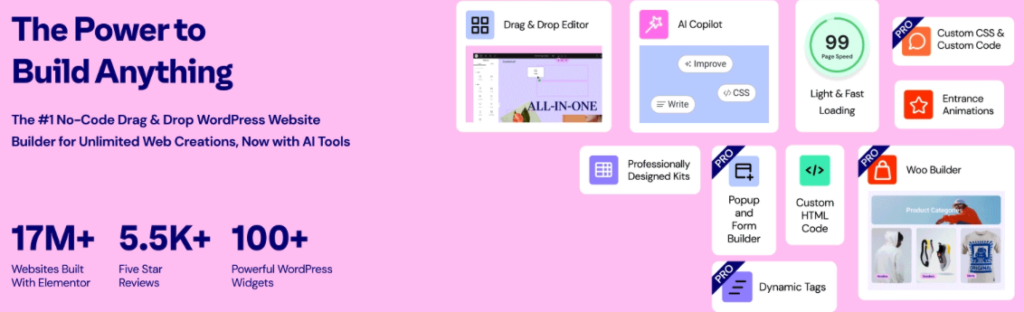
Page Builder plugins allowing you to generate custom page layout with coding. These plugins have drag and drop interfaces that allow newbies to create pages without seeing any code. Whether you are designing landing pages, homepage layouts, or portfolio sections, page builders allow you to get a professional look even without technical experience.
Visual design controls help speed up the design process and enable site owners to decide how content will be displayed.
Our recommendation is Elementor and download it here.
Choosing Plugins Wisely
Selecting plugins requires thoughtful consideration. By reading reviews, ratings and support options the newbies can avoid plugins which are going to be sources of trouble. Plugins need to address fundamental requirements first before providing additional features and functionality that does not necessarily aid growth or productivity. Properly setup plugins can become a big win for performance and reliability.
Common Mistakes to Avoid
Too many plugins can reduce the speed of a website that is brand new. Neglecting plugin updates is also another blunder that can lead to security breaches or compatibility issues. Newbies fiddle with plugins which have not been first tested in the staging area and this leads to things going wild if not for staging.
By avoiding these mistakes, we can keep a stable and fast performing website. It’s a method of forward thinking also, because if you’re planning out and managing the plugin then your better equip for future demands from the web site.
Conclusion
Essential WordPress plugins for new sites are crucial to get the early success of your site. By adopting the right tools early on, new websites can perform better, engage users more efficiently and grow over time. The right choice of plugins and consistent updates ensure that you will not encounter incompatibility issues, and augurs well for the reliability. For novices and seasoned site owners. Some time spent laying down a solid plugin foundation means a more polished, secure and successful website that does it. its business well and looks good doing so.
Congrats for your New Website! Happy Building!