


This website uses cookies so that we can provide you with the best user experience possible. Cookie information is stored in your browser and performs functions such as recognising you when you return to our website and helping our team to understand which sections of the website you find most interesting and useful.
How to add Circle, Rectangle, Polygon, Polyline Settings

Sandeep Kumar Mishra
November 8, 2023
5 minutes read
-
Access SettingsStart by clicking on the Settings menu.
-
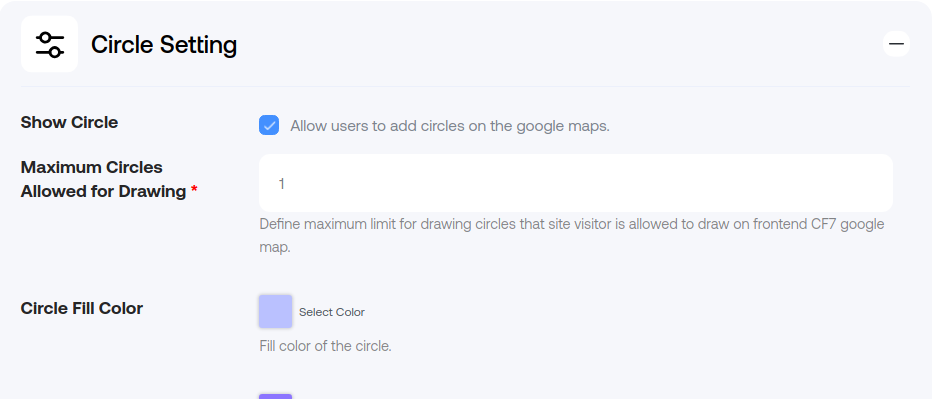
Configure Circle SettingsNext, navigate to the Circle Setting section and enable the Show Circle option to apply a circle on the map.

-
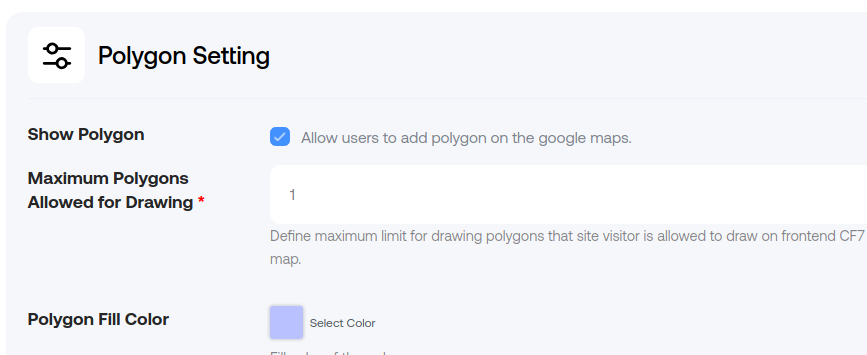
Configure Polygon SettingsSimilarly, go to the Polygon Settings section and enable the Show Polygon option to apply a polygon on the map.

-
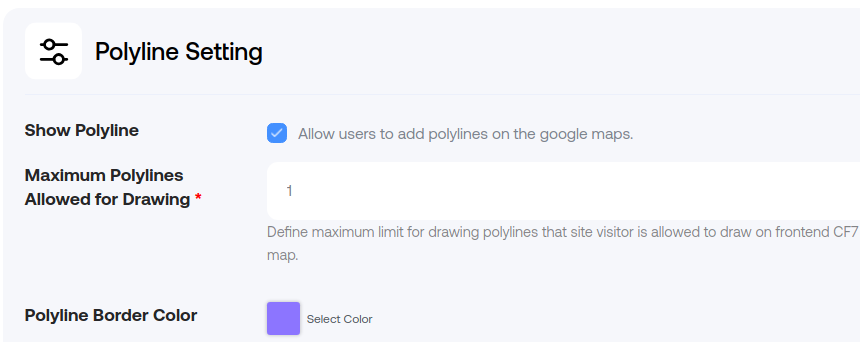
Configure Polyline SettingsSimilarly, visit the Polyline Settings section and enable the Show Polyline option to apply a polyline on the map.

-
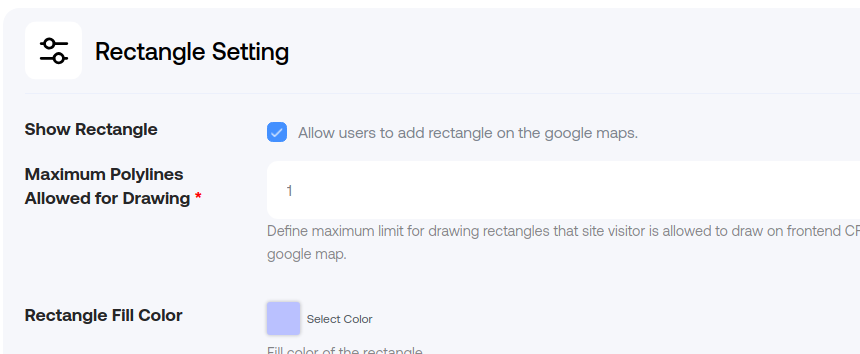
Configure Rectangle SettingsLastly, visit the Rectangle Settings section and enable the Show Rectangle option to apply a rectangle on the map.

Explore the latest in WordPress
Trying to stay on top of it all? Get the best tools, resources and inspiration sent to your inbox every Wednesday.