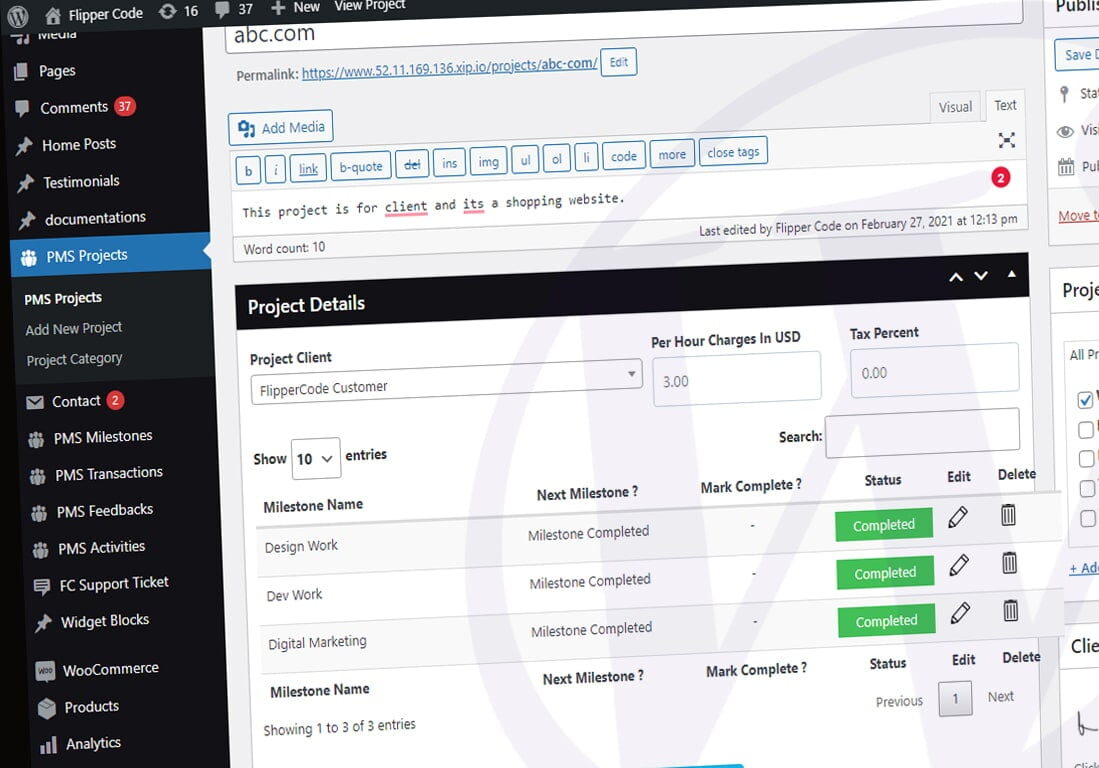
Meta boxes are small pieces of HTML added to the administrative interface in the WordPress Add or Edit post types page. They are used to extend post, page, or custom post type edit screens to request more related information. Using meta boxes, you can organize custom fields in a better way. In this guide, we’ll learn how to create meta boxes in WordPress.
Though, these steps will not work for a block based theme. Follow Add Meta box in block based theme guide.

How to Add Meta Boxes
We’ll use the `add_meta_boxes` action here to add a meta box to the add or edit post screens. Below is an example output of our tutorial.

Let’s try to understand this in steps.
- Step 1: We need to register the hook “add_meta_boxes” first.
add_action('add_meta_boxes', 'weplugins_extra_fields');
- Step 2: In the definition of “weplugins_extra_fields”, we’ll use the `add_meta_box` function to pass the required parameters to display a form on the ‘post’ screens.
function weplugins_extra_fields() {
    add_meta_box('extra_fields', 'Extra Fields', 'weplugins_custom_forms', 'post');
}
- Step 3: “weplugins_custom_forms” is the callback function for `add_meta_box`, which is responsible for the output of the form.
function weplugins_custom_forms($post) {
    wp_nonce_field('weplugins_inner_custom_box', 'weplugins_inner_custom_box_nonce');
    $txt_field = get_post_meta($post->ID, 'custom_txt_field', true);
    echo '<label for="weplugins_txt_field">Field 1</label>';
    echo '<input type="text" id="weplugins_txt_field" name="weplugins_txt_field" value="' . esc_attr($txt_field) . '" size="25" />';
}
Note that we didn’t use any submit button here because the default ‘publish’ button will be used to save this data.
- Step 4: Now we need to save this data when the publish button is clicked. For this, we’ll need to handle the `save_post` action, which is triggered when a new blog post is created or saved by clicking the publish button.
add_action('save_post', 'weplugins_save_data_now');
We need to write our form data handling code in the `weplugins_save_data_now` function.
function weplugins_save_data_now($post_id) {
    // Check if our nonce is set.
    if (!isset($_POST['weplugins_inner_custom_box_nonce']))
        return $post_id;

    $nonce = $_POST['weplugins_inner_custom_box_nonce'];

    // Verify that the nonce is valid.
    if (!wp_verify_nonce($nonce, 'weplugins_inner_custom_box'))
        return $post_id;

    // If this is an autosave, our form has not been submitted, so we don't want to do anything.
    if (defined('DOING_AUTOSAVE') && DOING_AUTOSAVE)
        return $post_id;

    // Check the user's permissions.
    if (isset($_POST['post_type']) && 'page' == $_POST['post_type']) {
        if (!current_user_can('edit_page', $post_id))
            return $post_id;
    } else {
        if (!current_user_can('edit_post', $post_id))
            return $post_id;
    }

    // Sanitize user input.
    $txt_field = sanitize_text_field($_POST['weplugins_txt_field']);

    // Update the meta field in the database.
    update_post_meta($post_id, 'custom_txt_field', $txt_field);
}
Conclusion
The idea is that every field we add using `add_meta_box` is saved as post meta data using `update_post_meta`. The `update_post_meta` function will call `add_post_meta` if the meta key doesn’t exist. Before using `update_post_meta`, we added a few essential checklist validations which are necessary whenever you save anything in the database.