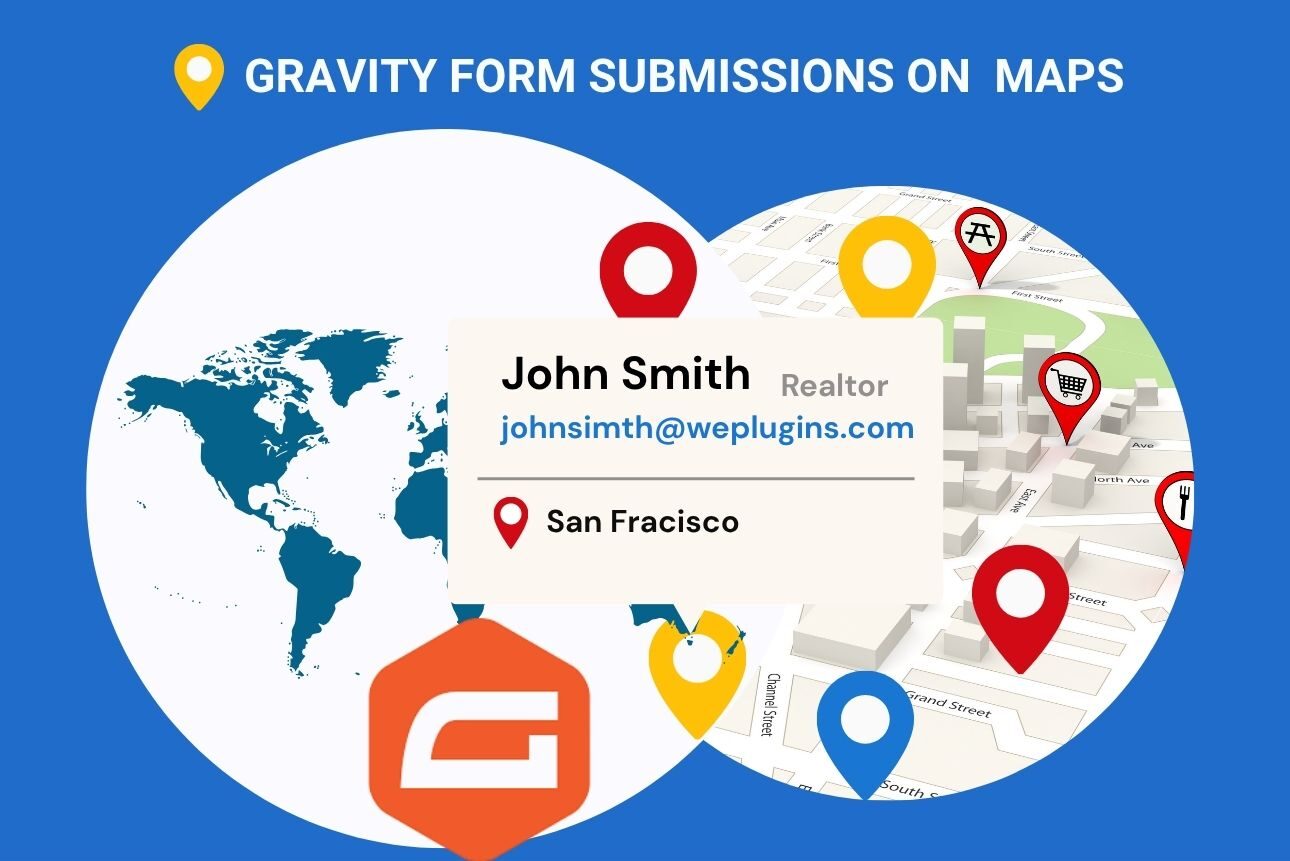
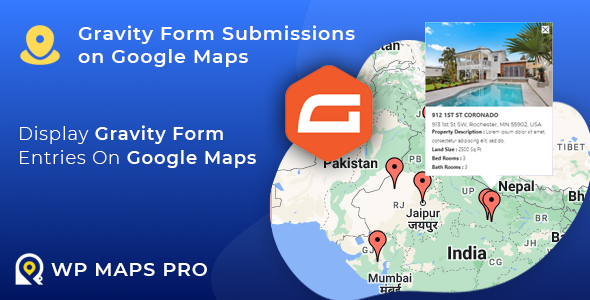
Imagine turning your form submissions into interactive map visuals—this is exactly what the “Gravity Form Submissions on Google Maps” extension of the WP Maps Pro plugin does. Combining the power of the Gravity Forms Google Maps plugin and our WP Maps Pro, this add-on makes data mapping easier than ever.
Whether you’re gathering customer details to grow your contact list or collecting customer feedback, this tool transforms the information gathered into dynamic Google Maps markers.
Does this sound interesting to you? Read on to explore the features, setup process, and best practices while using this extension to get the most out of it!
What Is Gravity Forms Plugin?

Gravity Forms is a robust WordPress plugin that allows website owners to create custom forms without needing any coding skills. By streamlining data collection, it can save you time and help you manage your business processes more effectively.
The plugin offers an easy-to-use drag-and-drop interface that makes form building quick and simple. Whether you need a basic contact form or a complex form with conditional logic, this plugin has got your back. What’s more? It also integrates with various third-party apps like PayPal, Stripe, and Mailchimp, making it versatile for different purposes.
There are many ways Gravity Forms can be used to collect data. The following are some common examples:
- Lead Generation: To grow your contact list, you can collect potential customer information, such as names, emails, and phone numbers.
- Event Registrations: If you’re organizing an event, then you can use Gravity Forms to register attendees, collect RSVP details, and even process payments for tickets.
- Surveys and Feedback Forms: Gravity Forms WP plugin makes it easy for you to create surveys or collect opinions and feedback on your products and services.
- Location-Based Queries: Businesses like delivery services can use forms to gather addresses or locations, making operations smoother.
What Is the WP Maps Pro Plugin?
With the help of the WordPress plugin WP Maps Pro, you can quickly add and modify Google Maps to your website. Whether you want to showcase multiple locations, display routes, or add filters for better search results, this plugin has got you covered. It supports features like custom map markers, dynamic info windows, and overlay layers (like traffic or transit).
WP Maps Pro works well with different WordPress themes and page builders, making it a great choice for creating interactive and user-friendly maps. It’s perfect for businesses, blogs, or anyone using location-based data.
What Is the “Gravity Form Submissions on Google Maps” Extension?
The Gravity Form Submissions on Google Maps Extension is a tool that connects Gravity Forms with WP Maps Pro to display form submissions on a Google Map. It turns your collected data into interactive map markers, showing where each submission comes from.
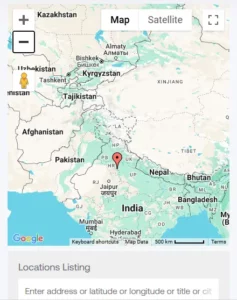
For example, if customers enter their addresses in a form, this extension places their locations on a map automatically. You can customize the markers, filter the data, and see everything in real-time. It’s an easy way to visualize form entries and make sense of location-based data.
Key Features of the “Gravity Form Submissions on Google Maps” Extension
The Gravity Forms map integration extension is packed with features that make visualizing your data simple and effective. Here’s a closer look at what it offers:
1. Seamless Integration
This extension connects your Gravity Forms directly with WP Maps Pro, making data mapping a breeze. Once you link the two, any submission made through your form automatically appears on your map. No manual data entry, no extra steps—just a smooth, efficient setup.
2. Customizable Markers
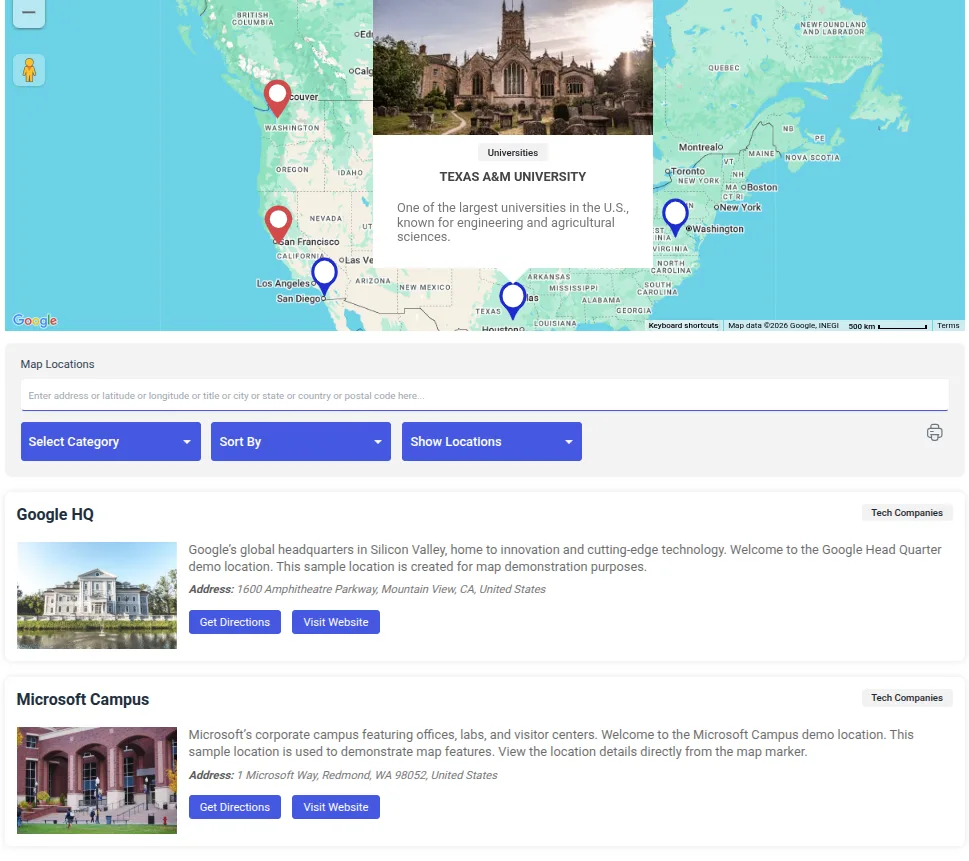
Not all map entries are the same, and your markers shouldn’t be either. With this plugin, you can assign unique icons, colors, or shapes to different types of submissions. For example, delivery locations could have one marker style, while customer inquiries have another. This makes it easy for users to quickly identify and differentiate data points.
3. Dynamic Info Windows
Click on a marker, and up pops an info window with all the important details—like the user’s name, email, or specific submission data. You can also customize what information appears, ensuring the displayed content is relevant and helpful.
4. Advanced Filters
Need to focus on specific data? Advanced filtering lets users narrow down submissions based on form fields, such as location, category, or any custom criteria you set. This is especially useful for businesses working with large datasets or targeting specific regions.
5. Real-Time Updates
No need to worry about outdated maps. This extension automatically updates your map whenever a new form is submitted. As soon as a user fills out your form, their entry appears as a marker on the map in real-time.

Setting Up the Integration: Installing “Gravity Form Submissions on Google Maps” Extension to the WP Maps Pro Plugin
Since Gravity Form Submissions on Google Maps is an extension to the WP Maps Pro Plugin, you must install WP Maps Pro before adding this add-on. Follow this guide if you haven’t installed WP Maps Pro yet.
Once done, head over to this guide describing the step-by-step process of integrating the Gravity Form Submissions on Google Maps Extension with the WP Maps Pro Plugin.
Real-World Use Cases and Benefits
The Gravity Form Submissions on Google Maps extension isn’t just about fancy maps—it’s a practical tool for solving real-world challenges. Here’s how it can be a game-changer across different industries:
1. For Businesses
Imagine being able to see where your customers are reaching out from right on a map. This is what the Gravity Forms Google Maps Extension does.
By visualizing customer feedback or inquiries by location, you can identify patterns and tailor your services. If you manage deliveries, the extension can help in logistics planning by mapping delivery addresses, allowing you to optimize routes and speed up deliveries.
2. For Nonprofits
If you’re a nonprofit often relying on data to make your decisions, you can track volunteer or donation submissions across regions with this extension. Whether it’s understanding which areas need more outreach or showing donation hotspots to donors, this tool makes planning easier.
3. For Event Planners
Event organizers need to know their audience. So, if you’re an event organizer, this tool helps you view attendee registrations geographically, allowing you to target the right locations for marketing and plan events in areas with the highest interest.
4. For Researchers
Last but not least, for researchers working with surveys or location-based studies, this extension can analyze survey submissions by location to uncover demographic insights, trends, and patterns and turn complex data into clear visuals.
Best Practices for Maximizing the Plugin’s Potential
To get the most out of the Gravity Form Submissions on Google Maps extension, follow these best practices for smooth and effective mapping.
1. Ensure Accurate Location Data
Start by using the Google Places Autocomplete feature in your Gravity Forms. This makes it easier for users to select correct addresses while filling out forms, reducing errors in location data. Accurate data means more reliable maps.
2. Use Custom Markers
Custom markers help differentiate between types of submissions on your map. For example, use a unique icon or color for customer feedback, volunteer sign-ups, or delivery addresses. This small detail makes your map more user-friendly and visually appealing.
3. Regularly Update Filters
Filters are key to keeping your map relevant. Update them frequently to match your current needs, like showing data from specific regions or categories. This ensures users only see what’s most important and keeps your map clutter-free.
4. Optimize for Mobile and Desktop
People view websites on all kinds of devices, so make sure your map works well on both mobile and desktop. Use responsive design settings in WP Maps Pro to ensure smooth navigation, regardless of screen size.
Conclusion
The “Gravity Form Submissions on Google Maps” extension is more than just a mapping tool—it’s a smart solution for visualizing and analyzing data. By connecting Gravity Forms with WP Maps Pro, this extension helps you see patterns and improve decision-making.
Whether you’re a business optimizing deliveries, a nonprofit tracking donations, or a researcher analyzing trends, this tool offers user-friendly features like real-time updates, customizable markers, and advanced filters, making managing and visualizing data a breeze.
Head over to WePlugins’ plugin listings to get started!