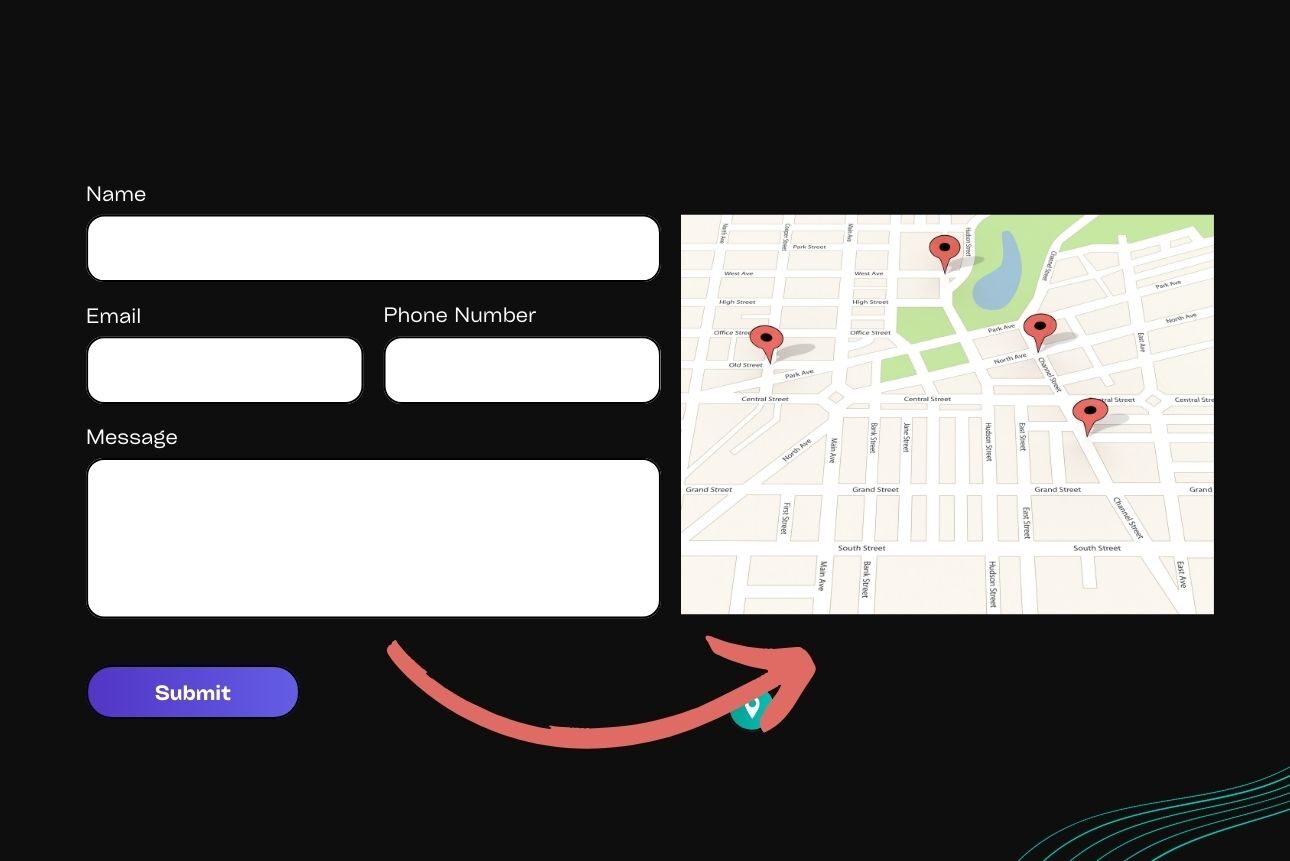
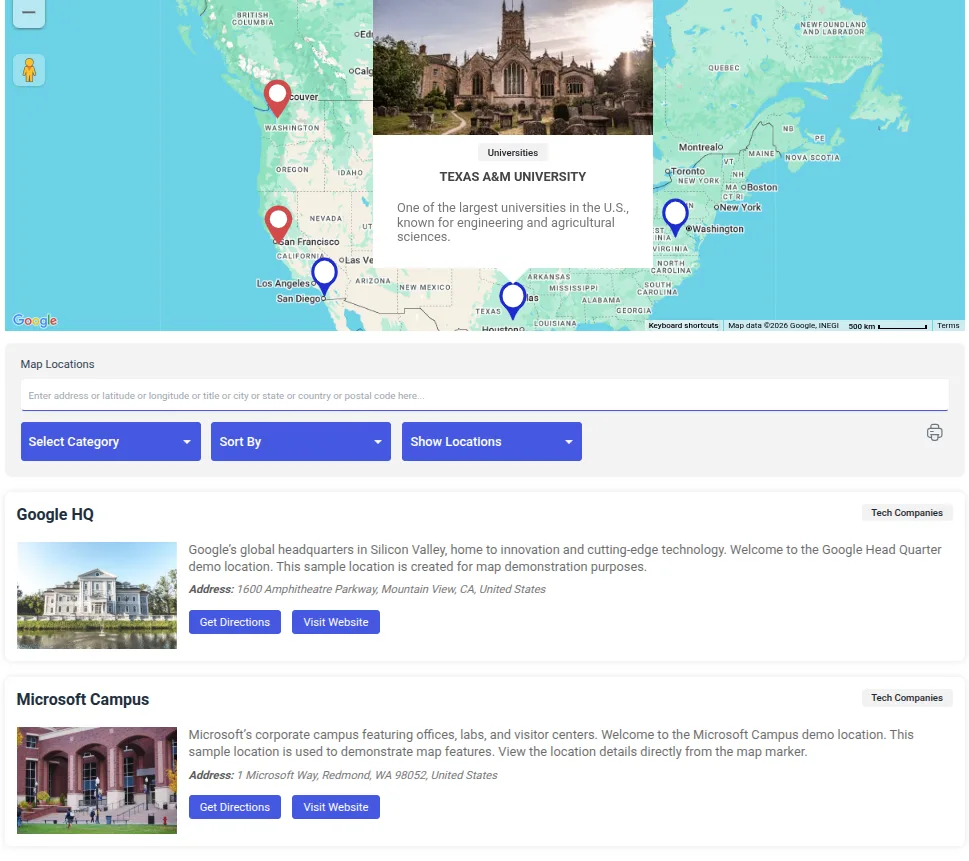
Over 40% of the internet is powered with WordPress, and by making website administration easier, plugins like Contact Form 7 (CF7) help to maintain this supremacy. However, CF7, while exceptional at building forms, lacks advanced functionality for handling submissions. Mapping these submissions on Google Maps is an innovative way to add value for businesses, agencies, and developers alike.
The Contact Form 7 Submission Plugin by WePlugins takes CF7 to new heights. By enabling seamless mapping of form submissions onto Google Maps, this plugin provides businesses with visual data representation, making it easier to track customer locations, optimize operations, and deliver better results. This integration also helps to improve customer satisfaction, as businesses can respond to location-based queries faster and more efficiently than ever before.
What Is Contact Form 7, and Why is it Popular?

Contact Form 7 (CF7) is one of the most widely used WordPress plugins for creating and managing custom forms. Known for its lightweight functionality, CF7 provides developers with flexibility while maintaining simplicity for non-technical users.
Key Features of Contact Form 7
- Highly Customizable Fields: Developers can tailor forms to meet specific needs, whether it’s a simple contact form or a complex inquiry form.
- Multi-Form Support: Manage multiple forms on the same website effortlessly.
- Email Integration: Submissions are directly sent to configured email addresses, ensuring no response is missed.
Despite its many strengths, Contact Form 7 lacks advanced tracking and visualization capabilities, especially when it comes to geographic data. This is where additional plugins like the Contact Form 7 Submission Plugin by WePlugins become invaluable.
Challenges with Managing Contact Form 7 Submissions
While CF7 simplifies form creation, managing and analyzing submissions can be a challenge without supplementary tools. Here are some common pain points users face:
- Limited Visualization: Without any visualization tools, submission data is stored as plain text or exported as spreadsheets, making analysis cumbersome.
- No Location Mapping: CF7 does not offer built-in support for mapping addresses, making it harder for businesses to process geographic data.
- Manual Processing: Businesses relying on manual methods to analyze and visualize form submissions spend more time on tasks that can be automated.
These challenges limit the potential of CF7, especially for businesses managing large volumes of form submissions with address data. In scenarios where businesses need to process thousands of submissions monthly, considerable inefficiencies can arise, affecting productivity directly.
Th Benefits of Map Integration with Contact Form 7

Mapping locations from Contact Form 7 submissions on Google Maps offers a practical way to manage and analyze data.
Key Benefits of Mapping Submissions
- Enhanced Data Insights: Visualize customer or client distribution at a glance through Google Maps contact location.
- Improved Customer Experience: Quickly assign tasks or visits based on proximity.
- Operational Efficiency: Streamline logistics for services such as deliveries or field visits.
For instance, a local delivery service in Chicago can easily map submission locations to optimize delivery routes, reducing travel time and fuel costs. Mapping locations on Google Maps with the plugin also helps businesses spot gaps in service coverage or pinpoint high-demand areas, allowing them to plan targeted outreach efforts where they’re needed most.

Features of the Contact Form 7 Submission Plugin by WePlugins
The Contact Form 7 Submission Plugin is the ultimate add-on to bring mapping functionality to CF7. Its user-friendly interface and powerful features simplify submission management.
Standout Features
- Automatic Location Mapping: Address data from submissions is instantly plotted on Google Maps.
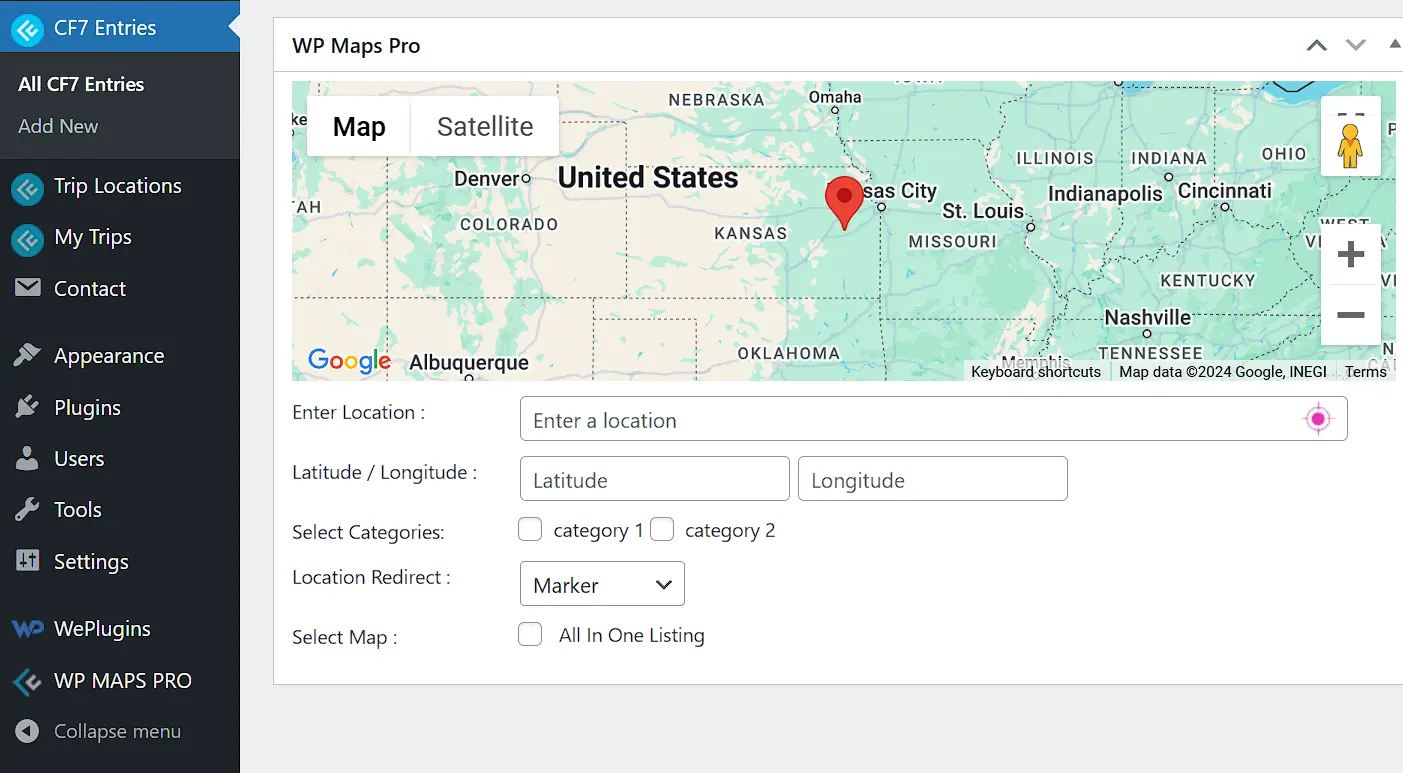
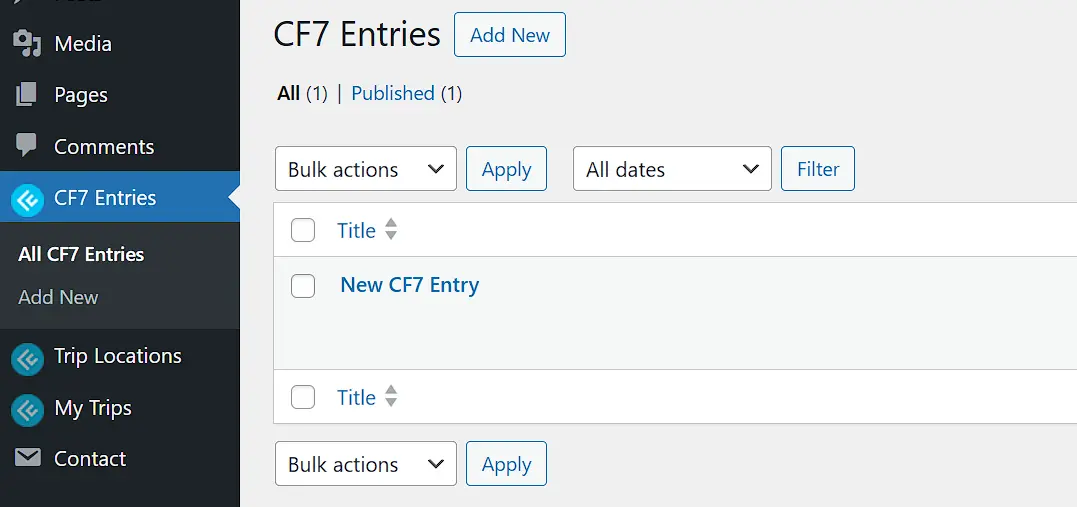
- Centralized Dashboard Access: Manage all mapped submissions within your WordPress admin panel.
- Customizable Mapping: Select specific fields (e.g., city, postal code) for mapping functionality.
- Exportable Reports: Download location data for offline analysis.
- Responsive Design: Fully optimized for desktop and mobile devices.
By incorporating this plugin, users can unlock the full potential of their Contact Form 7 submissions and make data visualization a breeze.
How to Set Up Contact Form 7 with Google Maps Integration
Integrating Google Maps with Contact Form 7 submissions is simpler than you might think. Follow these steps to get started:
- Step 1: Install and Activate the Plugin
- Step 2: Enable Mapping Features
- Step 3: Configure Address Fields
- Identify the fields in your form that represent address data (e.g., street, city, postal code).
- Map these fields in the plugin settings.
- Step 4: Test the Integration
- Step 5: Customize Display Settings
- Adjust map settings such as pin colors, labels, and zoom levels to match your preferences.
- Experiment with different zoom levels to find the ideal display for your business requirements.

Use Cases: Mapping Locations for Better Operations
Mapping submissions isn’t just a technological upgrade—it is a tool that can revolutionize many different sectors.
- Plumbers, electricians, and delivery businesses can optimize routes and assign tasks based on mapped submissions.
- Visualizing RSVP data on a map helps organizers plan venues and allocate resources efficiently.
- Agents can use mapped inquiries to target specific neighborhoods with marketing efforts.
- Assign technicians to service requests by analyzing geographic data.
- This improves resource allocation and reduces response times for critical requests.
Technical Requirements and Compatibility
Before diving into the integration, make sure your system meets the following requirements:
- WordPress Version: 5.0 or later.
- Contact Form 7 Version: 5.3 or higher.
- Google Maps API Key: Required for mapping functionality (available via Google Cloud Console).
This plugin is compatible with most themes and works seamlessly alongside other WePlugins tools.
Troubleshooting Common Issues
Encountering problems? Here are some quick fixes for common issues:
- Incorrect Address Mapping
- Double-check the formatting of address fields in your form.
- Ensure your Google Maps API key is correctly configured.
- Optimize map settings and ensure you have a stable internet connection.
- Verify that address fields are linked properly in the plugin settings.
Benefits for Developers and Small Businesses
Whether you’re a developer or a small business owner, integrating Google Maps with Contact Form 7 submissions offers unique advantages.
For Developers:
- Adds a unique selling point to client projects.
- Simplifies backend processes with automated mapping.
For Businesses:
- Visualizes customer data for strategic planning.
- Saves time in managing and analyzing submission data.
Why Choose WePlugins for WordPress Tools?
WePlugins has established a solid reputation since 2012 by offering WordPress customers a varied selection of 36 dependable and feature-rich plugins.
Why WePlugins Stands Out
- Robust Features: Built with user needs in mind.
- Affordable Plans: High-quality plugins at budget-friendly prices.
- Reliable Support: Prompt assistance for any technical issues.
The Contact Form 7 Submission Plugin is an excellent illustration of how WePlugins can assist customers get the most out of their WordPress websites.
Conclusion
Using Google Maps to Display Contact Form 7 submissions is not just a fancy feature—it’s a practical way to streamline processes and improve the user experience. WePlugins’ Contact Form 7 Submission Plugin allows incorporating maps simple and seamless, offering better data visualization and efficiency. Whether you’re a freelancer, a small company owner, or a part of a WordPress agency, this plugin can alter the way you handle location-based data.