Including a map on a business’s web site is now imperative for any modern enterprise that wishes to compete with its competitors by connecting with customers and enhancing local visibility. By using a WordPress map plugin, the businesses can add interactive maps indicating their addresses and pointing to multiple destination points as well as service areas while also allowing visitors to navigate in an easy manner.
Maps You seem more trustworthy, it can help your local search rankings and people may be less confused when they come to visit. Picking the perfect map plugin will aid in user experience, conversions and online presence.
It’s About Business Websites and The Importance of Map Plugins
As well, business address is a vitally important piece of information that every website needs to provide to visitors. An easy to read: a live map helps your clients find your business and visit you in person. People generally like visual guidance more than written directions, especially when they are trying to find their way on a mobile device.
A map plugin also allows businesses to display more than one location without cluttering up the design of the website.
Search engines acknowledge map inclusion, hence it does help local SEO efforts. Web pages with maps integrated are more likely to be successful in local search results as the map provides context and location signals that are important indexes for your search engine. For companies that rely on foot traffic, neighborhood credibility and online reach, map plugins are essential tools.
Key Features to Look for in a Map Plugin
There are few factors that make a map plugin perfect for business locations.
- Multi Marker Option is available, so if you have more than one office or store that can be displayed on Map at a same time.
- There are customizable map styles that allow you to keep the look and feel of a consistent brand aesthetic.
- You can easily integrate any mapping service like Google maps, Open Street maps etc. which provide accurate location data and direction.
- Plugins compatible with responsive design ensure that maps are usable on desktop and mobile devices.
- Other aspects like clustering markers as well as custom icons and location filters provide business with more control over the look and feel of their store locations.
- The plugins with friendly set up interfaces lower the challenge of technical and non-technical users managing a map even if they’ve never learnt how to code. It is also good to position quality of support, ongoing updates and compatibility with the newest WordPress versions when deciding on a map plugin for your business.
Basic Simple Map on WordPress Page
Simple for single-location small businesses and when you’re a mom and pop shop, simplicity is the name of the game. An easy map plugin capable of inserting a map in the contact page or footer, without requiring any special skill. These plugins attach to popular maps services, offer short code or widget solutions that even a novice can put anywhere on their site. via A basic map plugin to enter your business address and show it as an interactive map with zoom level on the front page for the visitors.
Some plugins even allow business owners to add simple markers and labels for better representation of the primary office.
Customization and Visual Style Options
A map design is significant for both branding and aesthetics. Customization of map plugin makes this possible, enabling companies to coordinate color schemes and branding labels/icons with their brand image. Branded markers can represent a business logo or specific services and provide an organized, professional feel to maps. It also makes it easier to distinguish between different locations, like showrooms, warehouses and offices.
If you’d like the map to look and feel as though it “belongs” on your site, plugins with theme integration can do just that.
For business-oriented websites that prioritize solid branding and cohesive visual flow, map plugins that comes with high-level style controls offer a more refined look that matches the rest of the user interface.
Comes with WooCommerce and Directory Plugins Support

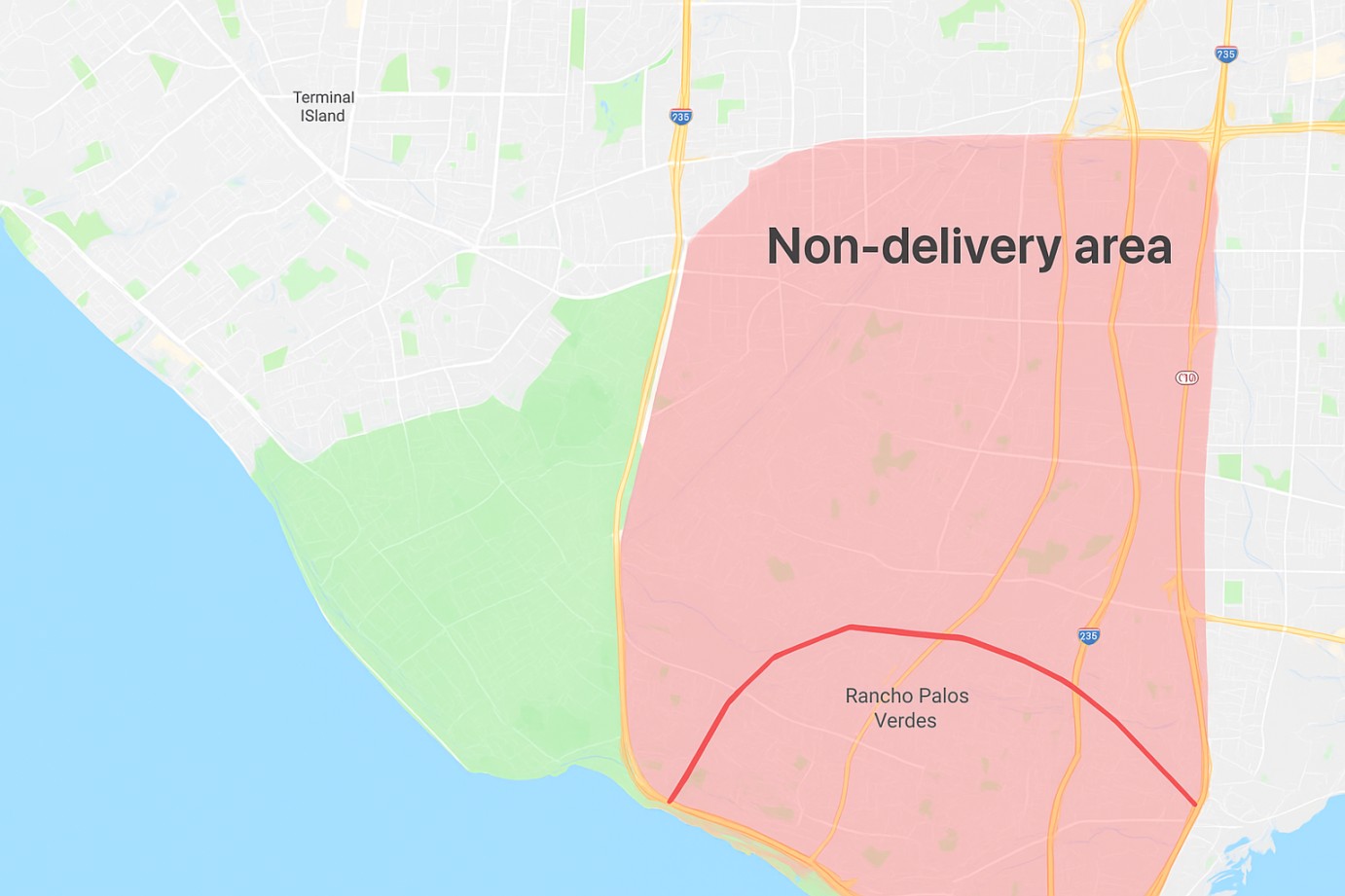
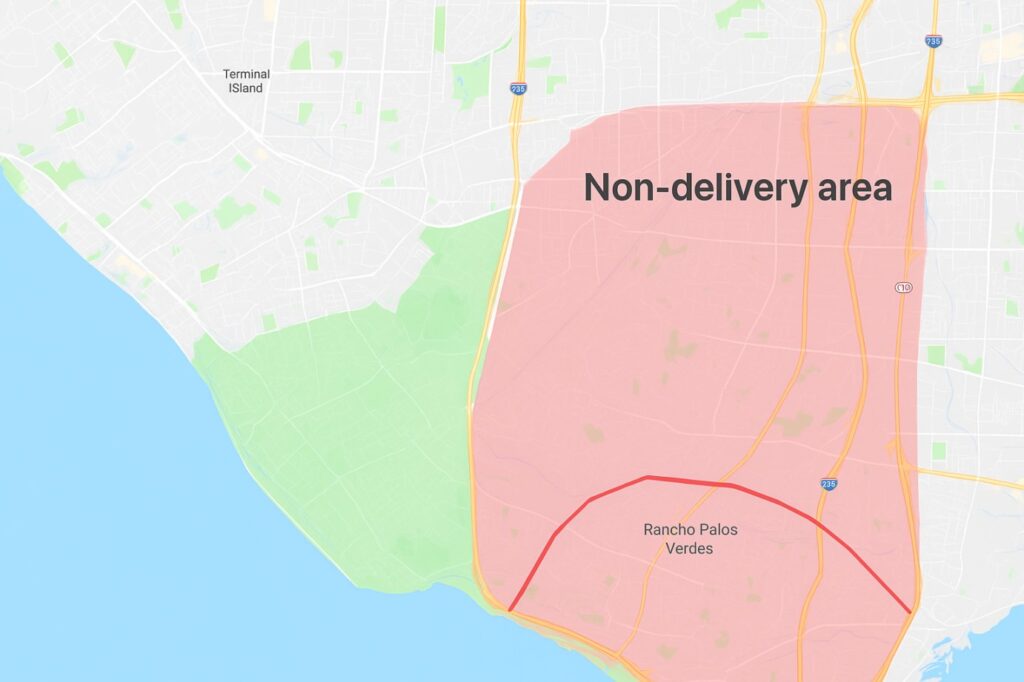
If your business both sells online but also has a physical location, map plugins integrating with ecommerce or directory plugins can save you some time. This kind of addons enables shop owners make store pickup points, service centers or warehouse locations visible on product and checkout pages. It’s compatible with WooCommerce that let the customers choose the pickup location and to provide local delivery options like you can’t have it delivered if you are not in a particular city or country, know from where exactly products ships out.
With directory integration, you can manage hundreds or thousands of locations with search and filter capabilities for every conceivable business type. For large, complicated businesses with myriad service points, embedded map plugins simplify how your location data is organized and displayed, as well as kept current.
Mobile-Friendly Maps for Better Engagement

The majority of business location searches are now mobile based. Mobile Friendly Maps The included flippant maps plugin makes mobile browsing a very pleasant experience for your visitors and customers. Maps with mobile friendly plugins change the dimensions of your map, how much zoom is applied and ensures a tactile-friendly interaction for those smaller screens.
This enhances availability for mobile users and aids location devices to reach physical locations more easily. As mobile users generally depend on maps for directions and contact details, responsiveness of a business map plugin becomes crucial.
SEO Benefits of Map Plugins
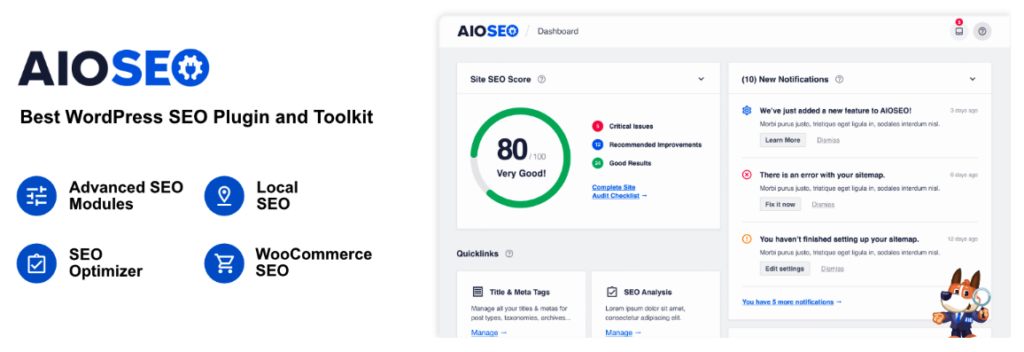
Search engines love local signals like embedded maps and structured address details. Using a map on location pages can help search engines connect the website with relation to the real-world coordinates and local relevancy. Map plugins with schema markup and contact data add further SEO benefit. Optimal display of maps on contact pages and location sections lead to increase in organic traffic and engagement.
Reliability and Support Considerations
By opting for a map plugin that is regularly updated and has good support you would also be ensuring future-proofing, in that your maps will always be compatible with the latest version of WordPress. Active plugins have fewer vulnerabilities in them and adapt more to changing web standards. Strong support enables business owners to troubleshoot setup problems and configure the way maps behave without any technical obstacles.
Reading user-reviews and evaluating the developer’s reputation is a good practice to make sure that your selected plugin offers performance and trustworthiness.
Most Common Mistakes When Applying Map Plugins
Page Referencing Businesses and brands will sometimes insert an excessive number of maps onto one page, and as a result this can slow down the speed at which they load.
Another error is overpowering with too large or too visually dominating maps which are distracting, instead of clarifying. Failure to test maps on other devices could result in display problems on smaller (mobile) displays. Maps sometimes do not work the reason is that some websites use obsolete map plugins which are preset and they do not allow the latest updates. Solutions such as these help maps give, not cause the websites to behead of themselves in frustration.
Tips for Effective Map Placement
There are definitely places where maps belong intuitively, such as contact pages and about pages and in footers all the way on the bottom, etc. Including the maps near business hours, contact information and directions allows visitors to access all of their required details in one spot. For businesses with more than one location, maps can be added to specific service pages or store locator sections for better user experience.
Minimized distractions around map locations maximize focus and increase the likelihood that people will use the map to plan their visit.
Conclusion
Map plugins for WordPress offer diverse and useful opportunities for businesses to present their physical location, communicate with customers, and improve local search visibility. No matter if your business has one offline location or many stores in various parts of a city, the best map plugin will make sure user experience is on top notch and the trust increases as well as online achievements.
Knowing key features like Multiple Markers, Responsive design, Store Locators, Customization and support for SEO etc can certainly guide business to make right decision.
Happy Mapping!